Figma Design
Figma is a vector graphics editor and prototyping tool which is primarily web-based
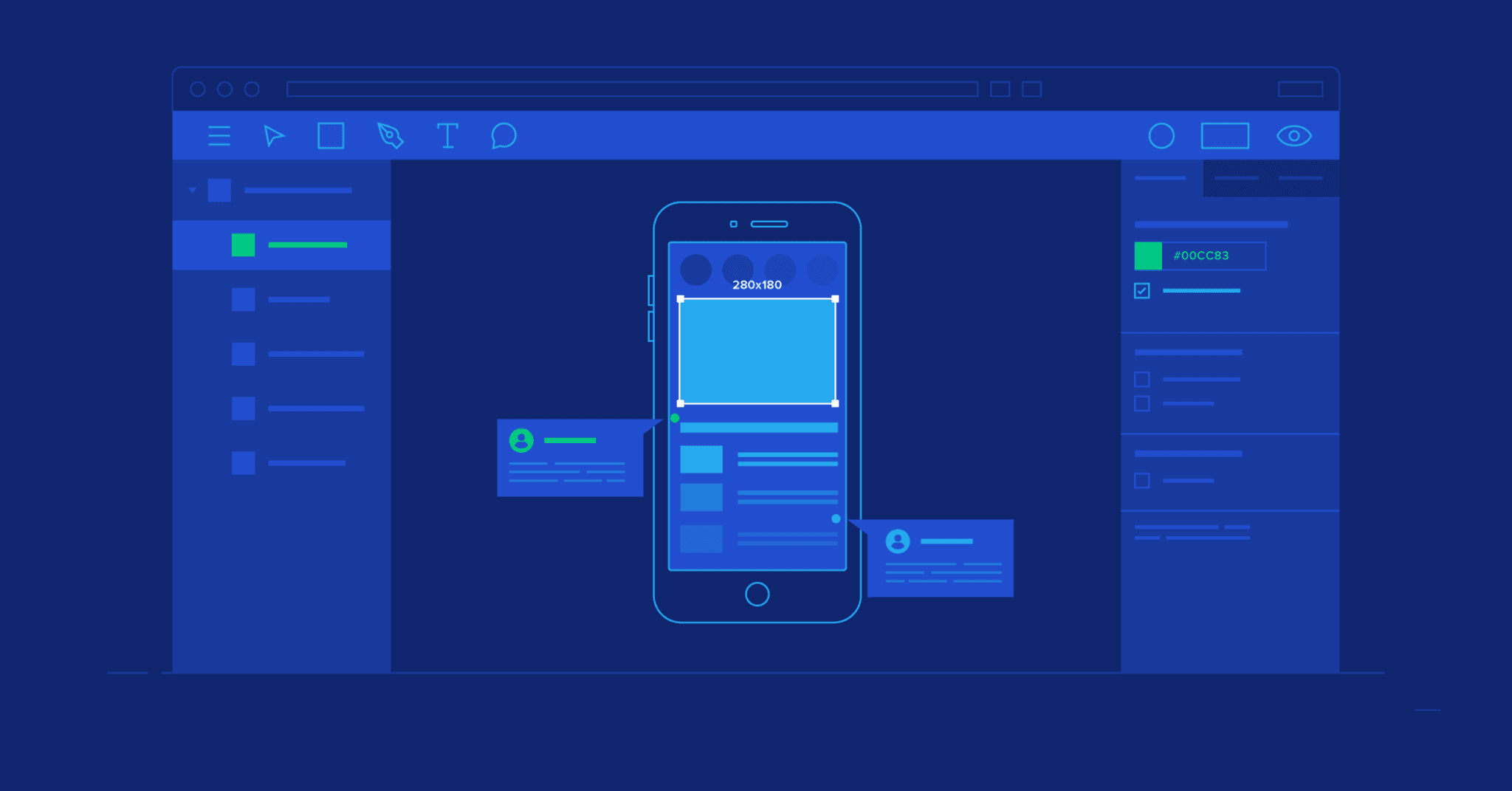
Figma is a browser-based design tool used for creating user interfaces, wireframes, and prototypes. It allows real-time collaboration, making it ideal for teams. With features like components, auto-layout, and plugins, Figma streamlines UI/UX design and enables seamless communication between designers, developers, and stakeholders in one shared workspace.
Figma Works on Any Platform
Figma works on any operating system that runs a web browser. Macs, Windows PCs, Linux machines, and even Chromebooks can be used with Figma. It is the only design tool of its type that does this, and in shops that use hardware running different operating systems, everyone can still share, open, and edit Figma files.In many organizations, designers use Macs and developers use Windows PCs. Figma helps bring these groups together. Figma’s universal nature also prevents the annoyance of PNG-pong (where updated images are bounced back and forth between design team disciplines). In Figma, there is no need for a mediating mechanism to make design work available to everyone.
Figma provides a user-friendly interface that supports both beginners and professionals. Designers can create wireframes, high-fidelity mockups, and interactive prototypes in the same workspace. Components and auto-layout help maintain consistency and save time by allowing reusable elements and dynamic resizing. Prototyping tools let designers link frames to simulate user flows, transitions, and animations. With plugins, Figma can be extended to support tasks like icon sets, illustrations, content filling, or design-to-code handoff. Its integration with platforms like Slack, Jira, and Zeplin also improves team communication and task management throughout the design and development process.
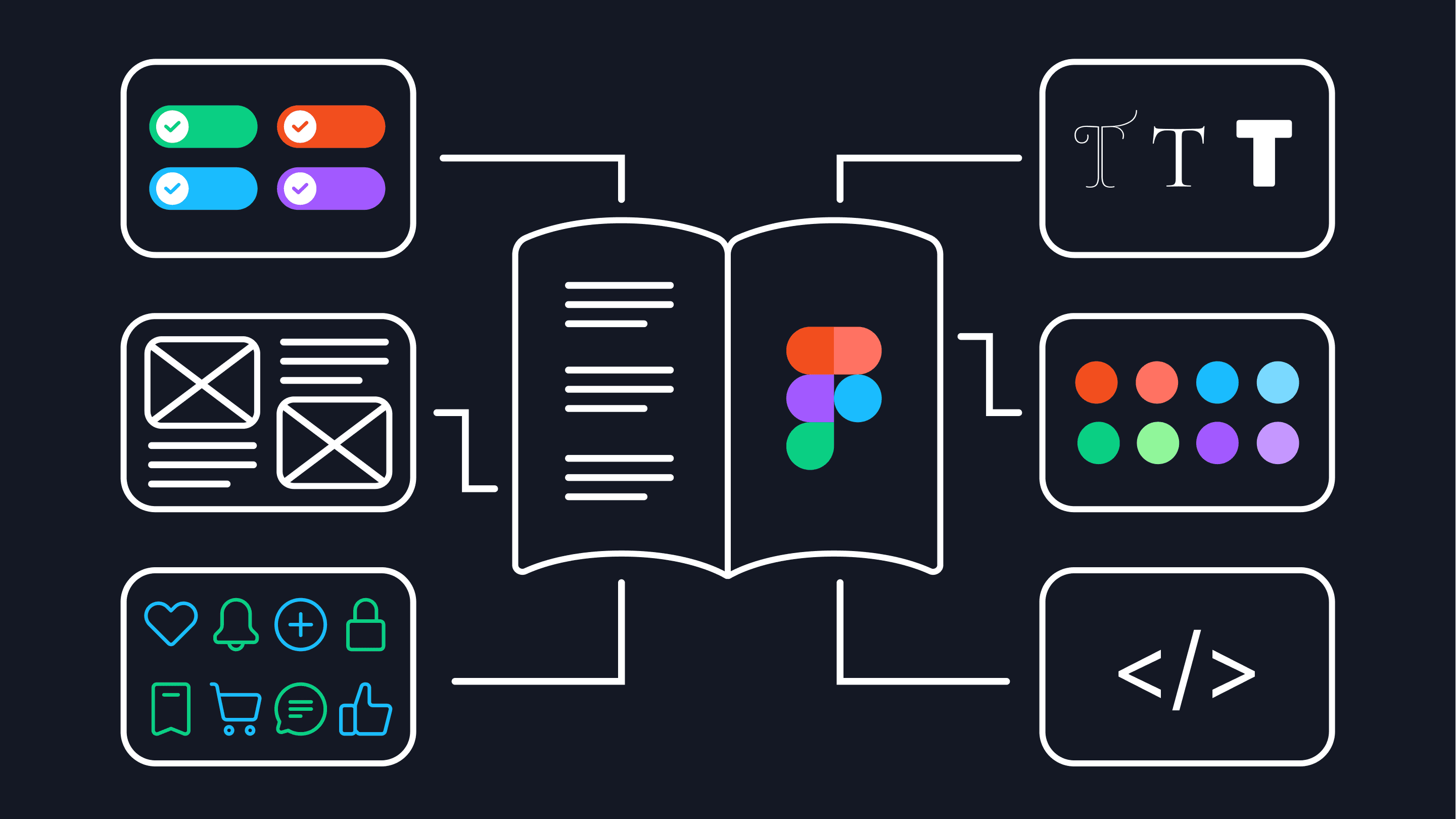
One of Figma’s biggest strengths is collaboration. Multiple users can edit and comment on a design in real time, making it ideal for remote teams. Designers and developers can inspect elements, view CSS code, and export assets directly from the browser without needing third-party tools. Figma also supports design systems and shared libraries, enabling consistent branding and design standards across projects. As digital products grow more complex, Figma’s scalable features and community support make it a vital tool in modern UI/UX workflows. With continuous updates and innovations, Figma is shaping the future of collaborative design.